TV Buying Guide: Resolution, Refresh Rate, Ports And Operating System
Confused by TV specs? This guide breaks down resolution, refresh rate, ports and operating systems, helping you choose the right television for your room, viewing habits and budget without overspending on features you may never need in everyday use.
TV Buying Guide: Resolution, Refresh Rate, Ports And Operating System
A new television can transform an ordinary evening into a proper event. A cricket match feels louder, a thriller becomes more tense, and a family comedy suddenly pulls everyone away from their phones. Yet walking into an electronics store can quickly spoil the excitement. Every screen flashes bright colours, sales labels promise “cinematic performance”, and specifications appear to require an engineering degree. The good news is that television buying becomes much easier once the jargon is separated from the features that genuinely matter. The right choice depends on how far you sit from the screen, what you usually watch, which devices you connect and how much control you want over apps and settings.
TV Buying Guide: Resolution, Refresh Rate, Ports And Operating System
Photo Credit: Pexels
A ₹1,00,000 television may look spectacular, but it will not automatically suit every home. Similarly, a carefully chosen ₹35,000 model can deliver excellent everyday entertainment without feeling like a compromise.
This guide covers ten essential areas, from screen resolution and refresh rate to HDMI ports and operating systems. Think of it as a practical conversation before the salesperson begins explaining “advanced visual optimisation” for the fourth time.
Also Read: Smart TVs In Amazon Deals: What To Check Before Upgrading Your Home Entertainment Setup
Key Features To Consider Before Buying A TV
1. Choose The Right Screen Size For Your Room
Screen size usually attracts attention first, and understandably so. A large television creates an impressive sense of scale, especially during films, sports and gaming sessions. However, bigger does not always mean better. A television that dominates a compact room can make fast scenes uncomfortable to watch.
Viewing distance offers a useful starting point. A 43-inch screen generally works well in smaller bedrooms or compact living spaces. A 50-inch or 55-inch television suits many average-sized living rooms, while 65-inch and larger models make more sense when the seating sits farther away.
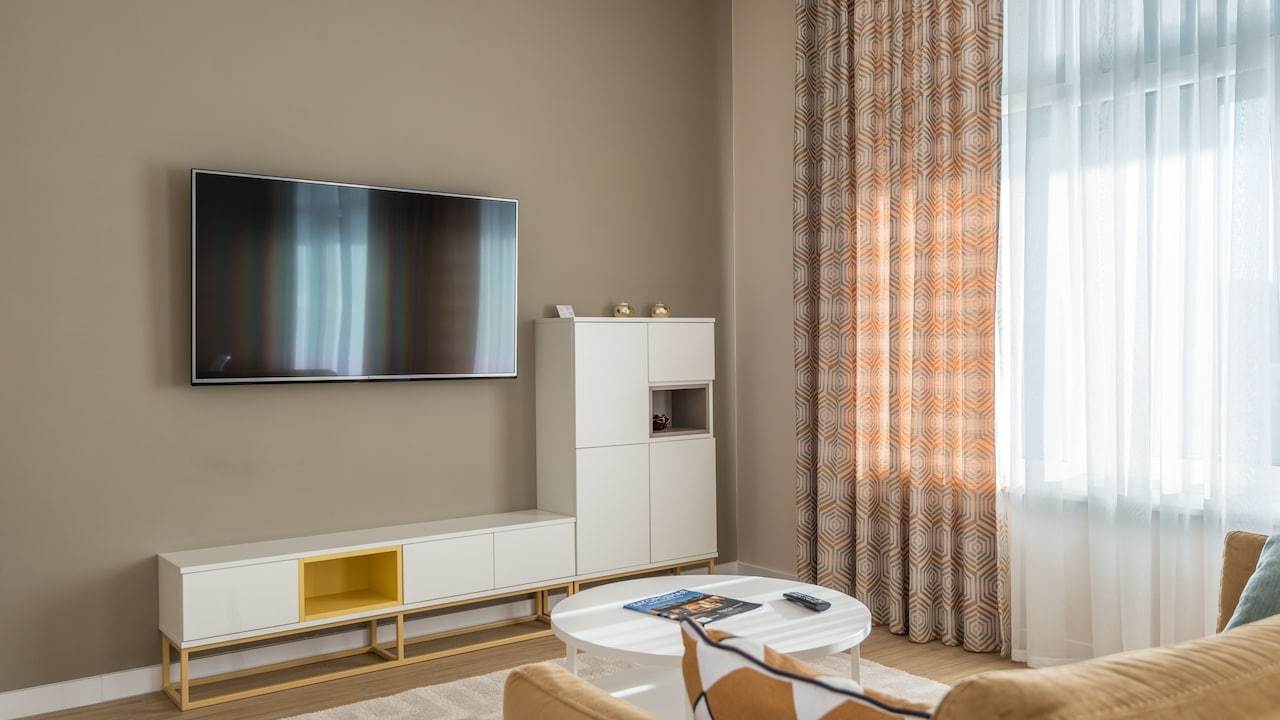
Measure the available wall or cabinet space before visiting a store. Remember to include the television stand, soundbar and enough room for ventilation. A model may appear modest in a massive showroom but look surprisingly enormous beside the family photo frames at home.
Also consider who watches the television and from where. Wide seating arrangements need strong side-angle performance. A household that gathers close to the screen may prefer a slightly smaller size with better picture quality rather than stretching the budget for extra inches.
Choose a screen that feels immersive, not overwhelming. The ideal television should command attention when switched on without behaving like an uninvited wall.
2. Understand HD, Full HD, 4K And 8K Resolution
Resolution refers to the number of pixels used to create the picture. More pixels usually produce sharper images, clearer textures and finer details. However, the quality of the programme or film also plays a major role.
HD Ready televisions remain available at lower prices, particularly in smaller screen sizes. They can handle regular television channels adequately, but they may struggle to look crisp with modern high-quality content. Full HD offers better sharpness and suits smaller televisions, secondary rooms and viewers with modest streaming needs.
For most new buyers, 4K provides the best balance. Streaming platforms, gaming consoles and premium sports broadcasts increasingly support 4K content. On screens measuring 50 inches or more, the difference between Full HD and 4K becomes much easier to notice. Faces look cleaner, landscapes reveal more detail, and text appears sharper.
8K televisions contain even more pixels, but suitable content remains limited. They also cost considerably more. Unless the budget feels generous and the television is exceptionally large, 8K may offer little practical value today.
Do not judge resolution from showroom demo clips alone. Those colourful mountain scenes have been designed to sparkle. Ask to watch regular television content as well. A great screen should handle everyday viewing, not merely look heroic while showing waterfalls.
3. Match The Refresh Rate To Your Viewing Habits
Refresh rate describes how many times the television updates the image each second. It appears as a figure such as 60Hz, 120Hz or 144Hz. A higher native refresh rate can make movement look smoother, particularly during sports, action films and video games.
A 60Hz television works well for serials, news, films and general streaming. It remains the standard choice in many affordable and mid-range models. Viewers who mainly watch dramas or casual entertainment may not need anything faster.
Sports lovers should consider 120Hz models. Quick camera movements during cricket, football or racing look cleaner, and the ball becomes easier to follow. Gamers also benefit from higher refresh rates, especially when using a compatible console or computer.
Manufacturers sometimes advertise unusually high motion figures, such as 240, 480 or even more. These numbers may refer to software-based motion processing rather than the panel's true refresh rate. Check the native refresh rate in the detailed specifications.
Motion smoothing can divide households. Some people enjoy the extra fluidity, while others feel that films begin to resemble television serials. Fortunately, most televisions allow users to reduce or switch off the effect.
Treat refresh rate as a practical feature, not a competition. A genuine 120Hz panel matters more than a dramatic marketing number wearing a shiny badge.
4. Compare LED, QLED, Mini-LED And OLED Displays
Display technology has a major effect on brightness, contrast, colour and price. Standard LED televisions use a backlight behind the screen. They remain widely available, affordable and suitable for everyday viewing.
QLED televisions add a layer of quantum dots to improve brightness and colour. They often perform well in brightly lit living rooms where sunlight enters during the day. Their vivid presentation suits sports, animation and colourful entertainment.
Mini-LED models use much smaller backlights arranged across the panel. This design gives the television finer control over bright and dark areas. The result usually includes stronger contrast, better highlights and deeper blacks than conventional LED or QLED screens.
OLED televisions work differently because each pixel produces its own light. Individual pixels can switch off completely, creating deep blacks and striking contrast. Films look especially impressive in dim rooms. OLED panels also offer excellent viewing angles and fast response times. However, they usually cost more and may not reach the same brightness as the strongest Mini-LED models.
Room conditions should influence the choice. Bright spaces favour QLED or Mini-LED, while evening film watchers may love OLED. Standard LED remains sensible for tighter budgets.
No display technology wins every contest. The best option depends on whether the television spends its evenings showing moody cinema, afternoon cricket or cartoons at breakfast.
5. Look Beyond Bright Colours And Check Picture Quality
Showroom televisions often run in an extremely vivid picture mode. Reds glow like wedding decorations, grass resembles green paint, and every object appears polished. This presentation grabs attention, but it may not look natural at home.
Good picture quality depends on more than colour intensity. Contrast determines how well the screen separates bright highlights from dark shadows. Black levels affect depth, especially in night scenes. Colour accuracy helps skin tones look realistic rather than orange or pink.
Upscaling also deserves attention. Much of the content watched at home may still arrive in standard definition or Full HD. A strong 4K television improves lower-resolution content without making faces look overly smooth or edges appear artificial.
Check how the screen handles dark scenes, fast movement and ordinary television channels. News tickers should look clean. Cricket players should not leave blurry trails. Shadow details should remain visible during dimly lit films.
Picture presets provide a useful shortcut. Cinema, Filmmaker or Movie modes often deliver more natural results than Dynamic or Vivid mode. Brightness can then be adjusted for the room.
Trust your eyes, but give them realistic material to judge. A television should make favourite programmes look better, not turn every programme into a neon festival.
6. Check HDR Formats And Real-World Performance
High Dynamic Range, commonly called HDR, helps televisions display brighter highlights, deeper shadows and a wider range of colours. Sunlight can sparkle, flames can glow, and dark scenes can retain details that standard video might lose.
Common formats include HDR10, HDR10+, Dolby Vision and HLG. HDR10 appears on almost every modern 4K television. Dolby Vision and HDR10+ can adjust the picture scene by scene, which may improve compatible films and streaming programmes. HLG often supports broadcast content.
Format support matters, but screen capability matters more. An affordable television may display an HDR logo without becoming bright enough to show a dramatic difference. Better HDR performance generally requires strong brightness, good contrast and effective local dimming.
Buyers who regularly watch premium streaming content should look for Dolby Vision or HDR10+ support alongside a capable panel. Gaming enthusiasts may also benefit from HDR features designed for consoles.
Do not reject a television merely because it lacks one particular format. Consider the entire picture system, including brightness, black levels and processing.
HDR works best when it adds depth without making the screen uncomfortable. Bright highlights should feel dazzling in the scene, not like someone has pointed a torch directly at the sofa.
TV Buying Guide: Resolution, Refresh Rate, Ports And Operating System
Photo Credit: Pexels
7. Count The HDMI, USB And Audio Ports
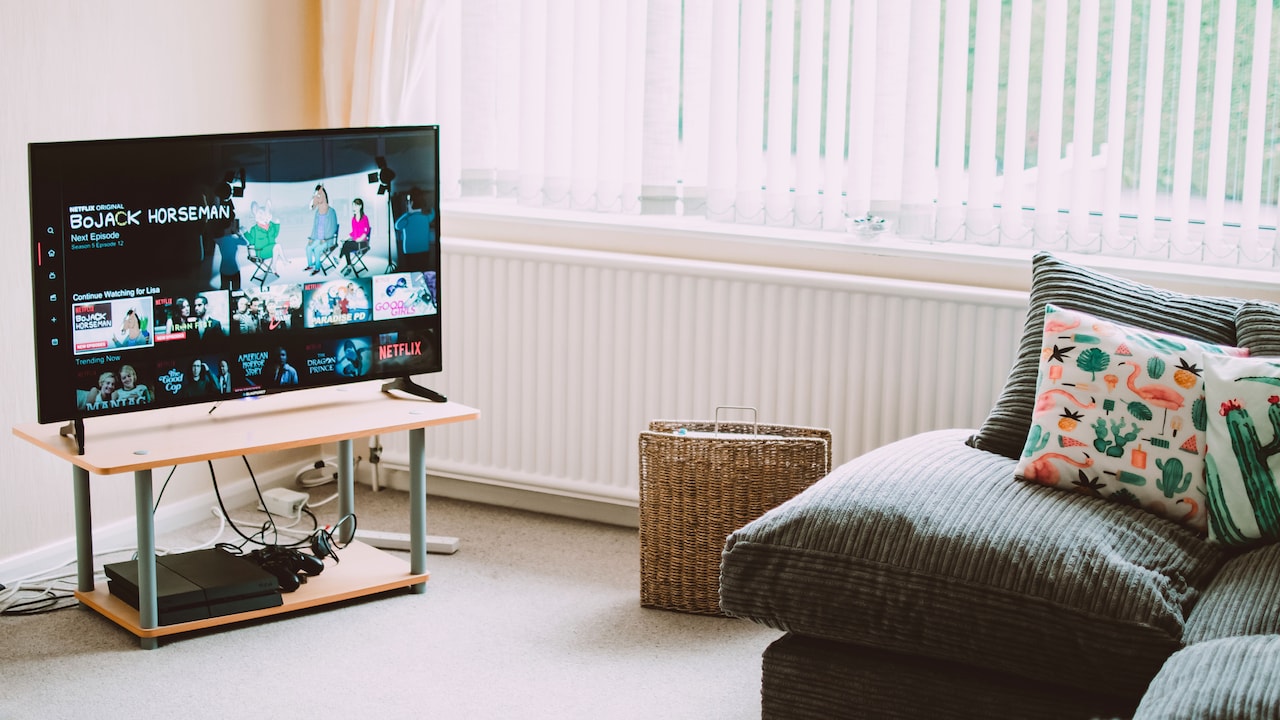
Ports rarely receive much attention until the television arrives home and every socket fills within ten minutes. A set-top box, gaming console, streaming stick and soundbar can easily occupy four HDMI connections.
Choose a television with enough HDMI ports for current devices and at least one future addition. Three ports may suit a simple setup, while four offer more flexibility. Wall-mounted televisions make frequent cable swapping particularly irritating, so extra connections can save considerable frustration.
Look for HDMI ARC or eARC when connecting a soundbar or home theatre system. These features send television audio through the HDMI cable, reducing clutter and allowing compatible devices to work together more smoothly. eARC can handle higher-quality audio formats.
Gamers should check whether specific HDMI ports support HDMI 2.1 features such as 4K at 120Hz, Variable Refresh Rate and Auto Low Latency Mode. Not every port on a television necessarily offers the same capability.
USB ports allow playback from storage drives and may power certain accessories. An optical audio output can help with older sound systems. Ethernet provides a stable internet connection when Wi-Fi struggles.
Ports may seem boring beside a dazzling display panel. Yet nothing tests patience faster than unplugging the soundbar every time someone wants to use the gaming console.
8. Select An Operating System That Feels Comfortable
A smart television's operating system controls apps, menus, recommendations, voice features and settings. A beautiful panel paired with slow or confusing software can make everyday viewing needlessly annoying.
Popular systems include Google TV, Android TV, Tizen, webOS and various brand-specific platforms. Google TV provides broad app support, personalised suggestions and access to Google services. Tizen and webOS usually offer smooth navigation and strong integration with their respective television ecosystems.
Check whether the system supports the streaming apps used most often. Major services appear on most platforms, but smaller sports, regional or niche apps may not. App availability can change, so focus on the services that matter now rather than promises about future updates.
Performance also matters. Menus should respond quickly, apps should open without long pauses, and switching between inputs should feel simple. Storage space becomes important when installing several apps.
Some platforms display extensive recommendations or promotional content on the home screen. Others offer cleaner layouts. Personal preference plays a large role here.
Try the remote and menus before buying. The operating system becomes the television's front door, and nobody wants to wrestle with a stubborn lock before every film night.
9. Examine Gaming Features And Input Lag
Modern televisions can serve as impressive gaming displays, but the right features make a noticeable difference. Input lag measures how long the screen takes to respond after a button press. Lower input lag creates more immediate controls, which matters during racing, fighting and competitive games.
Game Mode reduces unnecessary picture processing to improve response time. Most televisions now include it, though performance varies between models. Auto Low Latency Mode can detect a compatible console and switch to the fastest setting automatically.
Variable Refresh Rate helps the television match its refresh rate to the game's frame rate. This reduces screen tearing and uneven movement. A 120Hz panel provides smoother gameplay when the console and game support higher frame rates.
Check the HDMI specifications carefully. A television may advertise HDMI 2.1 while offering only some related features. Confirm the number of ports that support 4K at 120Hz, VRR and eARC.
Casual players using older consoles may find a good 60Hz television perfectly adequate. Serious players with newer consoles should prioritise 120Hz, low input lag and reliable HDMI 2.1 support.
A giant screen alone does not guarantee great gaming. Without responsive controls, even the most colourful racing game can feel like driving through Bengaluru traffic during peak hour.
10. Balance Sound, Warranty, Service And Budget
Television speakers have improved, but slim designs leave limited space for powerful audio. Dialogue may sound clear on some models, while others produce thin voices and weak bass. Listen to regular speech, not only dramatic showroom music.
A soundbar can improve films, sports and music, though it adds to the total cost. Budget for one from the beginning rather than treating it as an emergency purchase later. Even an entry-level soundbar can make dialogue easier to understand.
Warranty terms deserve careful reading. Check the coverage period for the complete television and the display panel. Extended warranties may provide value for expensive models, but examine exclusions and service conditions before paying extra.
Local service availability matters as much as brand reputation. A slightly cheaper television offers little comfort if repairs require repeated calls and long travel. Installation terms, wall-mount charges and demonstration support should also be confirmed.
Set a realistic budget that includes accessories, installation and audio. A strong mid-range television often provides better value than the cheapest large model or the most expensive flagship.
Focus spending on features used every day. A reliable 55-inch 4K television with good contrast, smooth software and enough ports can bring more joy than a premium model filled with settings nobody opens after the first weekend.
TV Buying Guide: Resolution, Refresh Rate, Ports And Operating System
Photo Credit: Pexels
Products Related To This Article
1. Vu Smartchoice 139cm (55 inches) Vibe Series 4K QLED Smart Google TV
2. Xiaomi 80 cm (32 inch) F Series HD Ready Smart LED Fire TV
3. LG 80 cms (32 inches) LB650 AI Series HD Smart webOS VA LED TV
4. Sony 139 cm (55 inches) BRAVIA 2M2 Series 4K Ultra HD Smart LED Google TV
5. Philips 80 cm (32 inches) 6100 Series Frameless HD Smart LED Google TV
6. TCL 80 cms (32 inches) V5C Series Full HD Smart QLED Google TV
7. Samsung 108 cm (43 inches) FHD Smart LED TV
Choosing a television does not require memorising every technical term on the specification sheet. Start with the room, the viewing distance and the type of content watched most often. Then consider resolution, display technology, refresh rate, HDR performance and connectivity.
For many homes, a 4K television between 50 and 65 inches offers a sensible foundation. A 60Hz panel suits general entertainment, while 120Hz becomes worthwhile for sports and gaming. QLED and Mini-LED screens work well in bright spaces, while OLED delivers beautiful contrast for film lovers. Enough HDMI ports, a responsive operating system and dependable service support complete the package.
Avoid buying purely on screen size or showroom brightness. Compare normal content, explore the menus and inspect the connections. Make room in the budget for sound and installation as well.
The best television is not necessarily the model with the longest feature list. It is the one that disappears into the experience once the programme begins. When the picture looks natural, the controls feel effortless, and nobody asks where the remote's input button has gone, the buying decision has probably worked.
(Disclaimer: This article may include references to or features of products and services made available through affiliate marketing campaigns. NDTV Convergence Limited (“NDTV”) strives to maintain editorial independence while participating in such campaigns. NDTV does not assume responsibility for the performance or claims of any featured products or services.)