How To Dry Out A Phone That Got Wet In The Rain In India
Caught in the rain with your phone? Here is what to do in the first few hours to give your wet phone the best chance of surviving monsoon damage.
How To Dry Out A Phone That Got Wet In The Rain In India
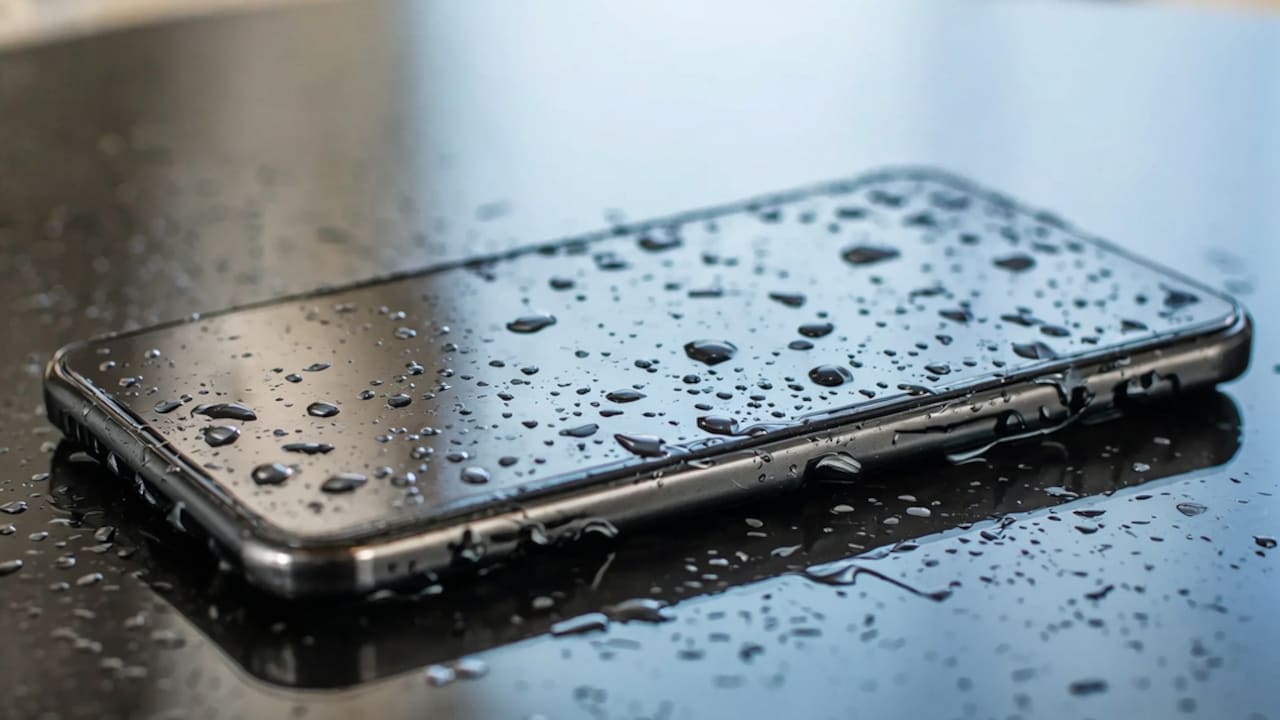
It happens to almost everyone at least once during the monsoon. A sudden downpour, a bag that is not quite waterproof enough, or a slip near a puddle can soak the phone before any action can be taken. The next few minutes matter more than most people realise. The instinct is usually to check if it still works, wipe it down, and hope for the best.
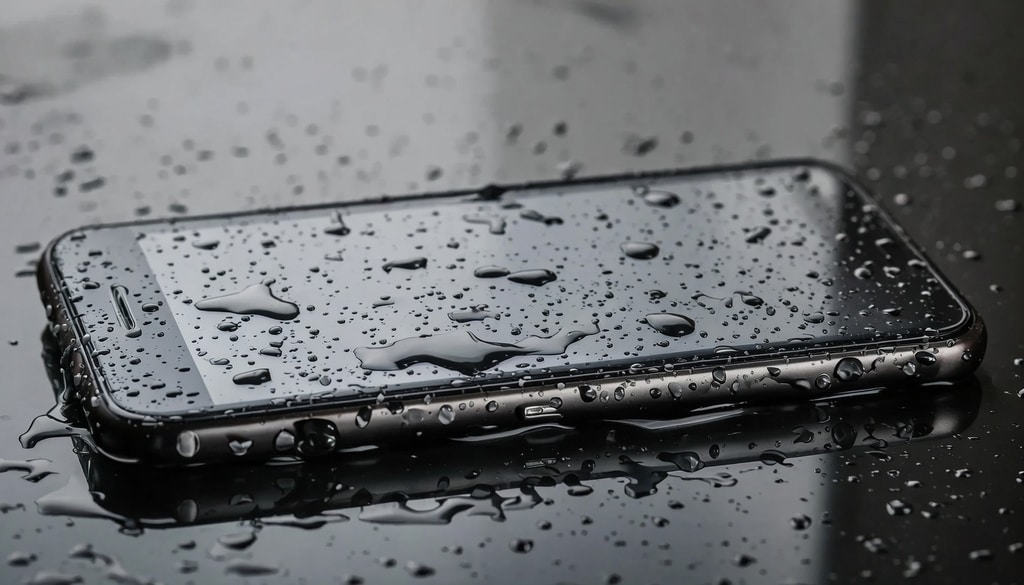
Take these immediate actions during the first few hours to save your wet phone.
Photo Credit: iStock
That approach gets many phones killed. What the phone needs in those first hours is specific handling, not just drying on a surface and waiting.
How To Dry Out A Phone That Got Wet In The Rain
Modern smartphones vary significantly in how much water they can handle. Flagship phones from Samsung, Apple, and OnePlus often carry IP67 or IP68 ratings, which means they can survive brief submersion. Most phones in India are budget models with no water resistance rating. Treating any wet phone as though it is protected is the safer assumption.
The damage from water does not always show up immediately. A phone may turn on and appear to function normally, then develop problems over the following days as moisture works into the circuitry and causes corrosion. How the phone is handled in the first few hours largely determines whether that corrosion happens.
Step 1: Get It Out of the Water and Power It Down Immediately
The longer a phone stays wet, the more water finds its way in. Take it out of the rain or water source as quickly as possible and turn it off straight away. Do not check if it is working, do not try to charge it, and do not press buttons repeatedly. Electricity moving through wet circuitry is what causes most of the actual damage. If the phone is already off, leave it off.
Step 2: Remove What You Can and Wipe the Outside
Take off the case immediately, as cases like this trap water against the phone's body. If the phone has a removable SIM tray, pop it out and set it aside. Wipe the exterior gently with a dry cloth or tissue, paying attention to the charging port and headphone jack. If present, check the speaker grilles for any water accumulation. Do not shake the phone vigorously, as such actions can push water further into the internal components.
What To Do In The Hours After The Phone Gets Wet
Do Not Use Rice
The rice trick is deeply embedded in Indian household advice, but it does not work well enough to rely on. Rice absorbs some ambient moisture from the air, but it cannot effectively draw water from inside a phone. Rice dust and starch can also get into ports and cause additional problems. It is not harmful exactly, but it creates a false sense that something useful is being done while the phone sits wet for hours longer than it should.
Use Silica Gel Packets Instead
Silica gel is significantly more effective than rice at absorbing moisture. The small packets found in shoe boxes, bags, and electronic packaging are precisely what you need here. Place the phone in a sealed container or zip-lock bag with as many silica gel packets as available and leave it for 24 to 48 hours. This is the closest thing to a reliable home drying method and works considerably better than rice or leaving the phone on a surface in open air.
Let It Dry With the Ports Facing Down
If silica gel is not available, place the phone on a dry absorbent cloth with the charging port facing downward so gravity helps draw water toward the opening rather than further into the phone. Keep it in a dry room with reasonable airflow. A ceiling fan running above it at low speed helps. Avoid direct sunlight, which can overheat the battery, and keep it away from a hairdryer or any direct heat source for the same reason.
Wait at Least 24 Hours Before Turning It On
This is the part most people get wrong. Turning the phone on too early, while moisture is still inside, is when the short circuit happens. Twenty-four hours is the minimum. Forty-eight is better for a phone that got thoroughly soaked. If the phone were submerged rather than just splashed, 48 hours with silica gel is the more cautious and more sensible approach.
What Not To Do When Your Phone Gets Wet
Do Not Charge It
Plugging a wet phone in is one of the fastest ways to cause permanent damage. Water in the charging port combined with electrical current causes corrosion and short circuits that can destroy the charging components entirely. Wait until the phone has dried completely before attempting to charge, which means at minimum 24 hours and ideally longer. Some phones now show a 'moisture detected' warning in the charging port and will refuse to charge until it is dry, which is the phone doing exactly the right thing.
Do Not Use a Hairdryer
Heat forces moisture deeper into components and can damage the battery and internal adhesives that hold the screen assembly together. The temptation to speed up drying with a hairdryer is understandable, but the outcome is usually worse than patient air-drying. If you want moving air to help, a fan at room temperature will do. Directed heat is not.
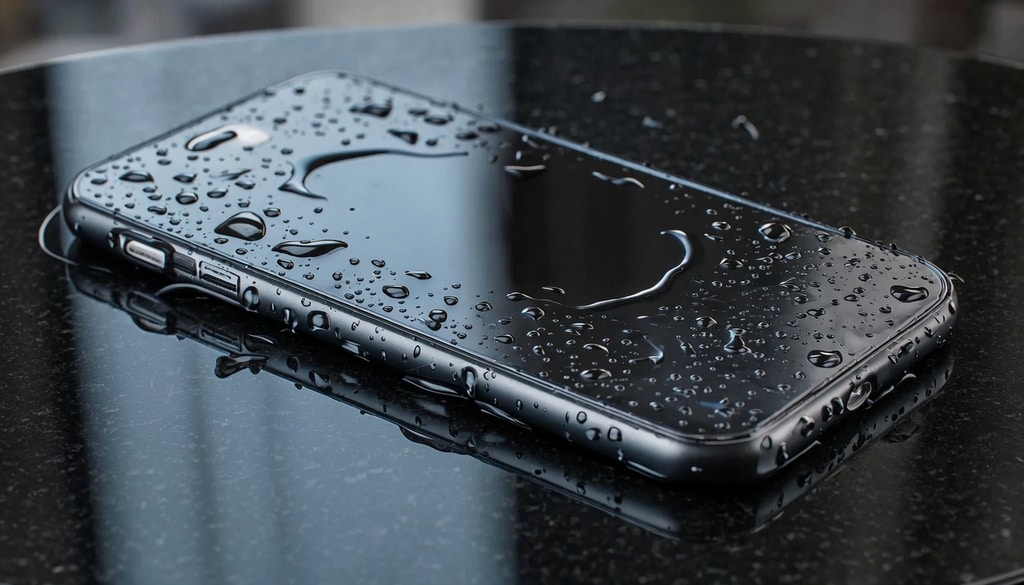
Act fast with these vital steps during the first hours to rescue your wet phone.
Photo Credit: iStock
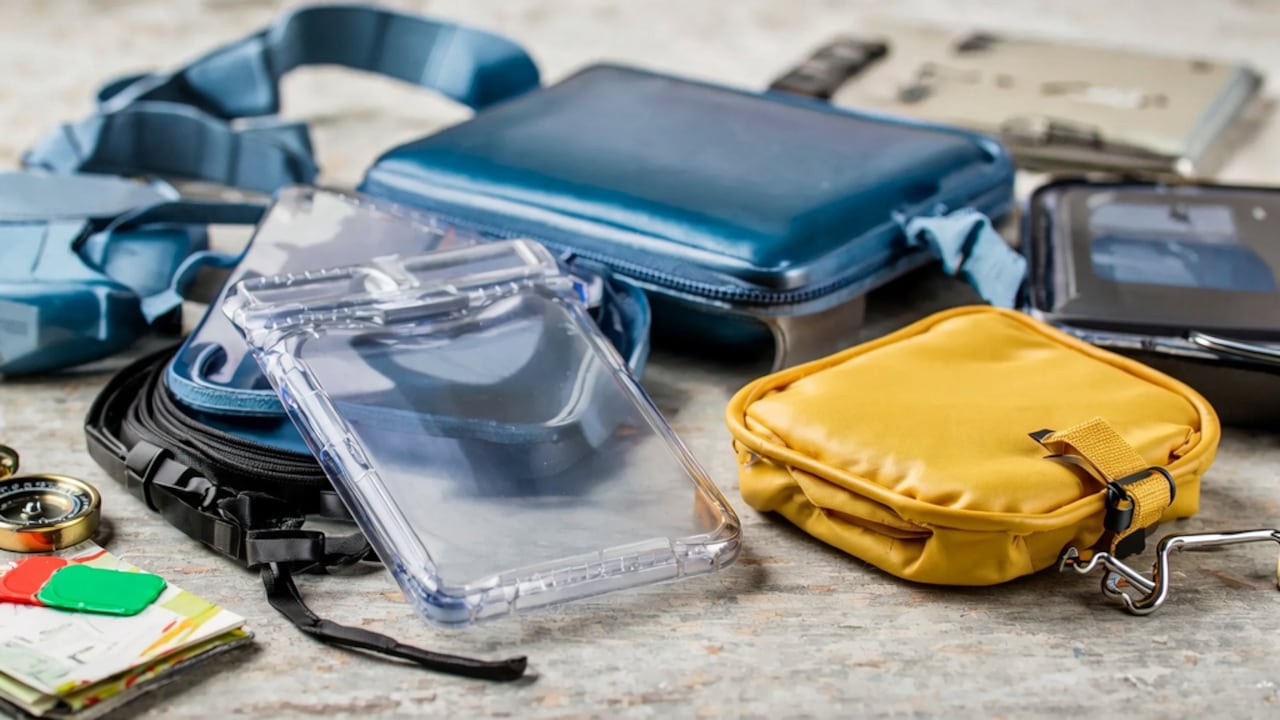
Some Products Worth Having Ready For Monsoon Season
1. Case-Mate IP68 Waterproof Phone Pouch
2. skysia Universal Waterproof Pouch IPX8 Cellphone Dry Bag Case
3. Drumstone Waterproof Mobile Pouch
4. JANAK RAJ Waterproof Phone Case Holder Pouch
5. Waterproof Phone Pouch, Dry Bag with Lanyard
6. Pelican Marine - IP68 Waterproof Phone Pouch
7. Spigen Waterproof Phone Pouch [IPX8 Certified]
8. Spigen Waterproof Phone Pouch with Waist Belt [2 Pack] [IPX8 Certified]
Getting your phone wet in the rain can be worrying, but quick and careful action can save it from serious damage. By turning it off immediately, removing excess moisture, and allowing it to dry completely before switching it on, you reduce the risk of internal issues. Patience is key; rushing the process can make things worse. With the right steps and a little care, your phone can recover safely even after unexpected monsoon exposure.
Frequently Asked Questions (FAQs)
1. My phone still works after getting wet. Do I still need to dry it properly?
Yes. Water damage is not always immediate. Moisture inside the phone causes corrosion over days and weeks, which shows up later as charging problems, speaker distortion, or random shutdowns. Drying it properly even when it seems fine prevents that delayed damage.
2. How do I know if my phone has water damage inside?
Most smartphones have a liquid damage indicator, a small strip inside the SIM tray slot that turns red or pink when it contacts water. Check there first. Signs of internal damage include a distorted speaker, a foggy camera lens from condensation, erratic touch response, or a phone that charges intermittently.
3. Can I use a vacuum cleaner to suck water out of the ports?
Gently and briefly, yes. A vacuum held near the charging port or speaker grille can pull surface moisture out without pushing it further in the way a hairdryer does. Do not hold it too close or for too long. It is a reasonable step in the first few minutes before placing the phone in silica gel.
4. My phone got wet and now will not turn on. Is it gone?
Not necessarily. Leave it in silica gel for 48 hours before concluding anything. Phones that seem completely dead after a soaking sometimes come back once moisture clears fully. If it still is not starting after that, take it to a repair shop. Technicians can clean corrosion off the board and restore phones that show no signs of life at home. It's worth attempting before dismissing it.
5. Is it worth buying a waterproof case before monsoon in India?
For anyone commuting daily or spending time outdoors during monsoon, yes. A waterproof pouch costs a few hundred rupees and removes the problem entirely. A water-resistant case is not the same as waterproof but adds meaningful protection against splashes and brief rain exposure for everyday use.
(Disclaimer: This article may include references to or features of products and services made available through affiliate marketing campaigns. NDTV Convergence Limited (“NDTV”) strives to maintain editorial independence while participating in such campaigns. NDTV does not assume responsibility for the performance or claims of any featured products or services.)