Laptop Heating Up During Simple Tasks? Common Causes You Should Not Ignore
If a laptop overheats during browsing, streaming, or office work, hidden issues like dust, poor airflow, ageing hardware or software overload could be pushing it harder than expected.
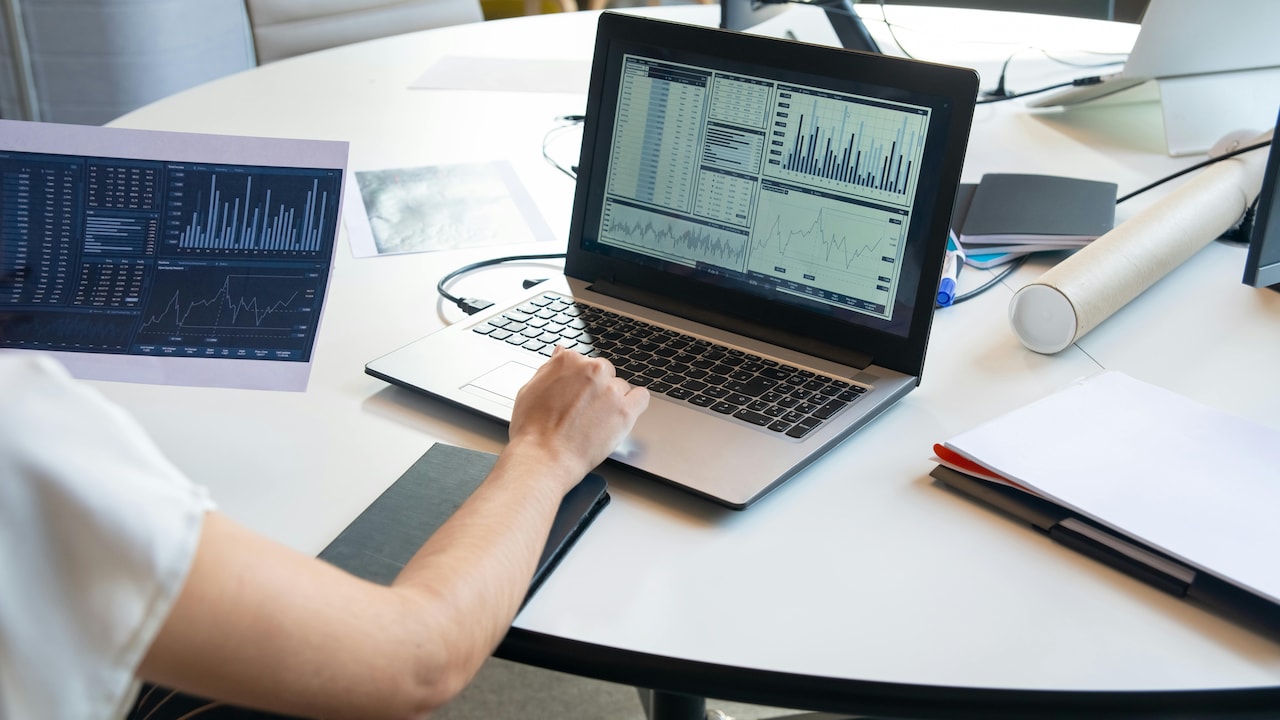
Your Laptop Heats Up During Simple Tasks: This Could Be Why
Few things feel more annoying than opening a laptop for a basic task like browsing, attending an online class, or streaming a cricket match, only to hear the fan roaring like a pressure cooker in full swing. The rising heat beneath the keyboard can quickly turn a productive day into an uncomfortable experience. For many, this issue sparks worry. Is the laptop too old? Is something broken? Or worse, is it an expensive repair around the corner? Laptop heating has become a common complaint, even among those using fairly modern devices. While some warmth remains normal, excessive heat during simple tasks often points to deeper causes. Ignoring the problem can reduce speed, shorten battery life, and even damage internal components over time.
Fortunately, most overheating issues have practical explanations. Some stem from everyday habits, while others relate to software or hardware limitations. By understanding what causes this unwanted heat, users can take smarter steps to protect their machines and avoid spending ₹10,000 or more on preventable repairs. Here's what could really be happening when a laptop starts heating up far too easily.
Your Laptop Heats Up During Simple Tasks: This Could Be Why; Photo Credit: Pexels
What's Really Causing Your Laptop To Overheat?
Dust Build-Up Can Quietly Suffocate Performance
Dust may seem harmless, but inside a laptop, it acts like an invisible villain. Over time, tiny particles settle into cooling fans, air vents, and heat sinks. This blocks airflow and traps heat where it should escape. The laptop then struggles to cool itself, causing temperatures to rise even during basic activities.
In many homes, dust accumulation happens faster than expected due to ceiling fans, open windows, and everyday environmental conditions. A laptop placed on a study table for months without cleaning can gather enough debris to dramatically affect cooling.
The problem often starts subtly. Fans become louder, the keyboard feels warmer, and performance slows. Eventually, the system works harder just to maintain regular functions. Professional cleaning may cost anywhere from ₹800 to ₹2,500, depending on the device, but regular maintenance can prevent bigger expenses later.
Simple habits like using a laptop sleeve, keeping workspaces clean, and scheduling periodic servicing can make a remarkable difference. In many cases, a dusty fan alone causes overheating that feels far more serious than it actually is.
Also Read: How To Choose A Laptop That Suits Your Lifestyle - Check Amazon List From HP, Lenovo To Apple
Poor Ventilation Creates A Heat Trap
Laptops need breathing room, much like people do on a humid summer afternoon. Placing a device on beds, cushions, or laps often blocks ventilation grills, trapping hot air inside. This creates an immediate temperature rise, even when performing simple tasks.
Soft surfaces are particularly problematic because they obstruct airflow beneath the machine. Many users unknowingly create a heat chamber by binge-watching shows while lounging on a sofa. While convenient, this habit can force internal fans to work overtime.
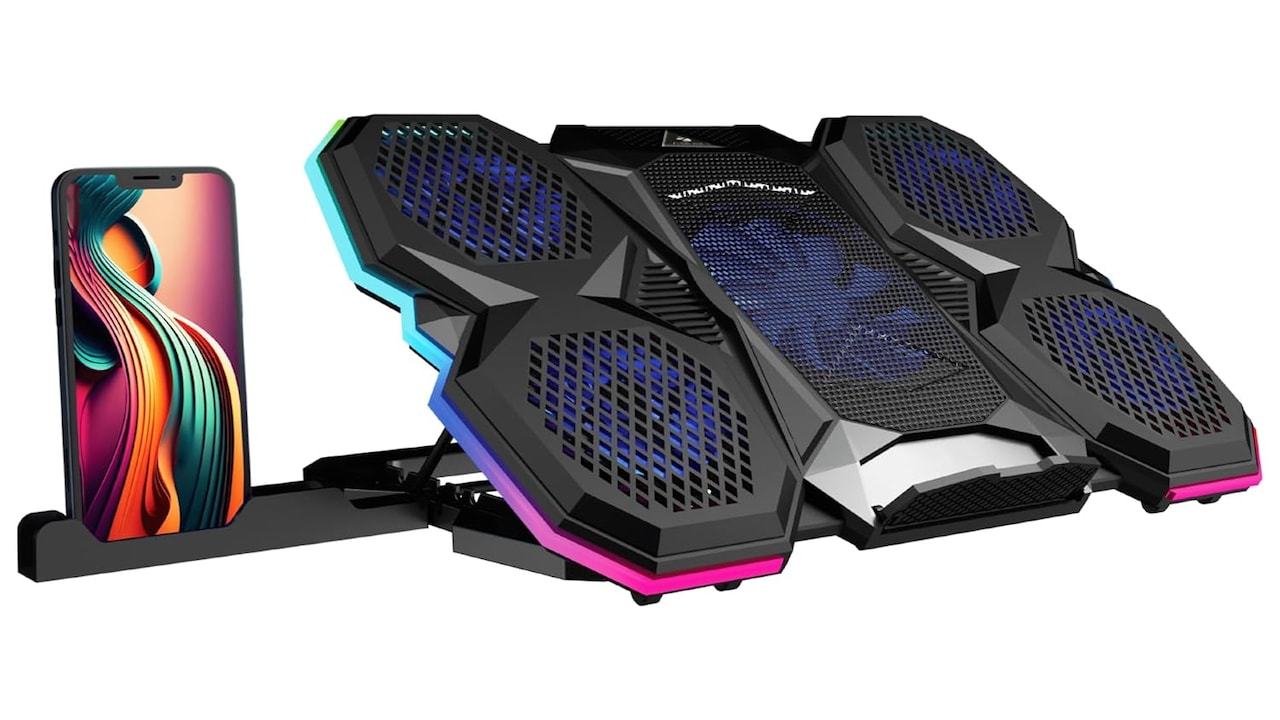
Even premium laptops with advanced cooling systems can struggle if ventilation remains compromised. Cooling pads, priced between ₹1,500 and ₹4,000, offer practical support, especially for long working hours. Alternatively, a simple flat desk often improves airflow significantly.
Good ventilation does not require expensive solutions. Raising the laptop slightly or ensuring vents remain unobstructed can reduce heat noticeably. Sometimes, the issue lies less with technology and more with where and how the machine gets used daily.
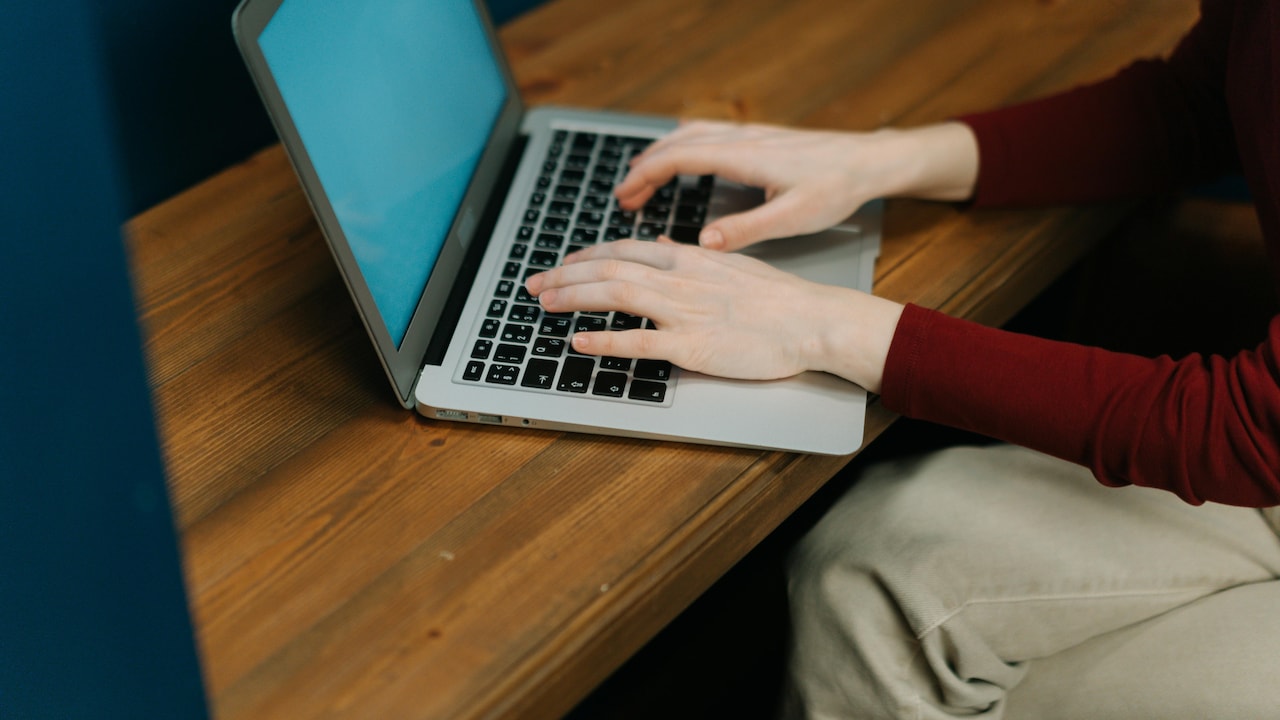
Your Laptop Heats Up During Simple Tasks: This Could Be Why; Photo Credit: Pexels
Too Many Background Apps Drain Resources
Modern laptops often juggle multiple applications behind the scenes, even when users focus on a single task. Antivirus scans, software updates, cloud syncing, and browser extensions can quietly consume CPU power and generate unnecessary heat.
A laptop may appear idle while secretly managing dozens of processes. This hidden workload places strain on processors, causing heat output that feels disproportionate to visible activity. Opening the task manager often reveals surprising culprits.
Many pre-installed applications, often called bloatware, also contribute to this problem. These programmes launch automatically and continuously use system resources. Removing unnecessary software can improve efficiency dramatically.
Regularly reviewing startup apps and background processes can lower temperatures while boosting speed. Freeing up resources may also extend battery life, which feels especially useful during power cuts or travel.
In many situations, overheating reflects software clutter rather than hardware failure. A cleaner, more streamlined system often performs cooler and faster, proving that digital spring-cleaning matters just as much as physical maintenance.
Old Thermal Paste Loses Effectiveness
Thermal paste rarely enters everyday conversations, yet it plays a crucial role in laptop cooling. This compound sits between the processor and heat sink, helping transfer heat efficiently. Over time, it dries out and loses effectiveness.
When thermal paste degrades, heat struggles to move away from critical components. The processor then runs hotter, even under light tasks like word processing or video calls. Many older laptops suffer from this silent issue.
Replacing thermal paste usually costs between ₹1,500 and ₹3,500, depending on the service provider and device model. Though often overlooked, this maintenance step can dramatically improve cooling.
Signs of failing thermal paste include sudden overheating, frequent fan noise, and unexpected shutdowns. Users often assume ageing hardware causes these issues, but sometimes, a simple repasting service restores impressive performance.
Like changing engine oil in a vehicle, refreshing thermal paste ensures smoother operation. For laptops over three years old, this small intervention can deliver substantial benefits without the need for costly upgrades.
Malware Can Push Hardware Beyond Limits
Not all overheating stems from visible issues. Malware and malicious software can secretly force laptops into overdrive. Cryptojacking scripts, spyware, or hidden processes may use processing power constantly, creating excess heat.
This digital sabotage often goes unnoticed until performance worsens. Browsers lag, battery drains quickly, and temperatures soar unexpectedly. Even a casual visit to unsafe websites or suspicious downloads can trigger problems.
Reliable antivirus software and regular security scans help detect hidden threats. While premium security suites may cost ₹2,000 annually, they often prevent far more expensive consequences.
System overheating paired with unusual slowdowns or pop-up activity should raise suspicion. Cyber threats do more than compromise privacy; they can also physically strain hardware.
In today's connected world, digital hygiene matters as much as hardware care. Keeping software secure ensures laptops stay cooler, safer, and more dependable over the long term.
Ageing Hardware Naturally Runs Hotter
As laptops age, components gradually lose efficiency. Fans wear out, batteries degrade, and processors become less capable of handling modern software demands. A machine that once ran smoothly may struggle years later.
Software updates also place increasing demands on older hardware. New operating systems and applications often require more processing power, which can overwhelm ageing systems. This mismatch leads to higher heat production.
For students, freelancers, or office workers relying on older laptops, this issue can feel especially frustrating. Spending ₹40,000 on a replacement may not always feel practical, but strategic upgrades like SSD installation or RAM expansion can improve performance.
Sometimes, overheating signals that hardware has reached its realistic limits. In such cases, maintaining expectations becomes important. Older devices may still function well, but not always with the cool efficiency they once offered.
Understanding a laptop's lifespan helps users make smarter financial decisions instead of endlessly chasing temporary fixes.
Browser Overload Is More Serious Than It Seems
Web browsers have evolved into resource-hungry platforms. Multiple tabs, video streams, online meetings, and extension-heavy setups can heavily tax processors. A seemingly simple browsing session may resemble a mini workload marathon.
Chrome, Edge, and similar browsers often consume substantial RAM and CPU resources. Streaming high-definition content or running web-based productivity tools can significantly increase temperatures.
Users frequently underestimate how demanding browser activity has become. Closing unused tabs, disabling unnecessary extensions, or switching to lighter browsers can noticeably reduce heat generation.
For professionals working remotely, browser management often improves both productivity and device comfort. Something as small as tab discipline can prevent overheating episodes.
What feels like ordinary internet use may actually place considerable strain on hardware. Managing browser habits can, therefore, play a surprisingly powerful role in maintaining healthier laptop temperatures.
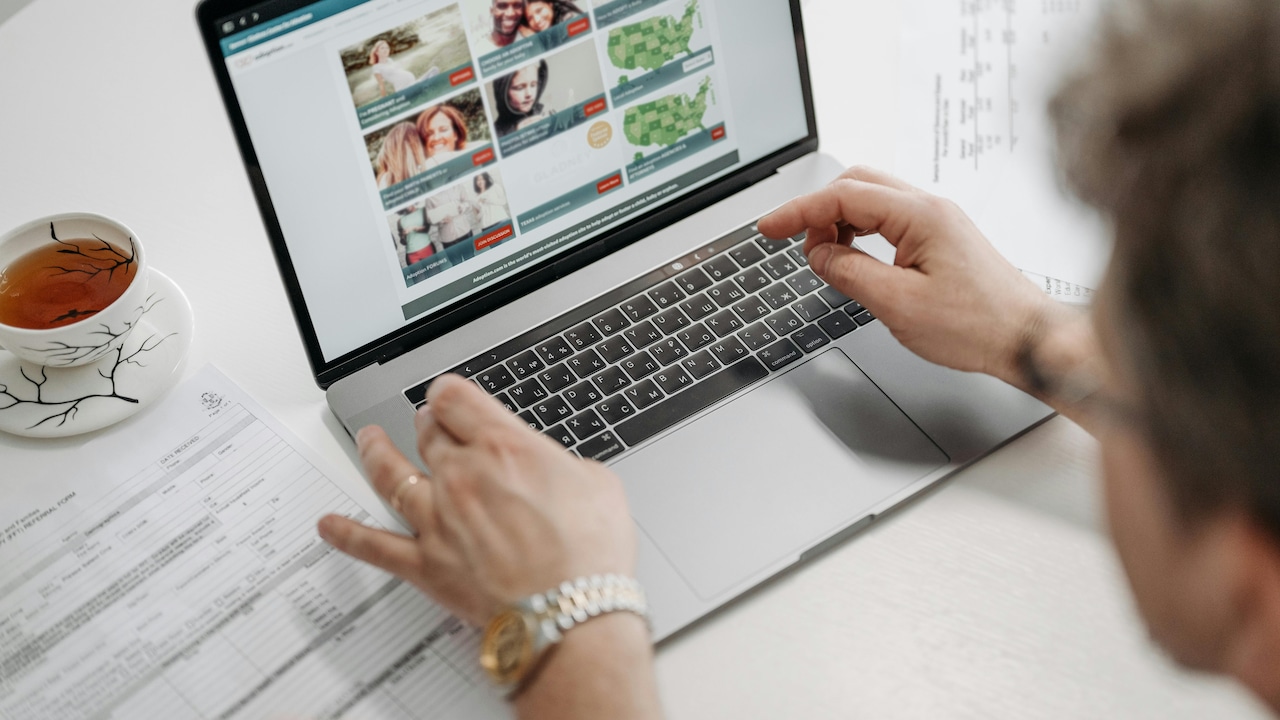
Your Laptop Heats Up During Simple Tasks: This Could Be Why; Photo Credit: Pexels
Charging Habits Can Increase Heat Levels
Using a laptop while charging often generates additional warmth, particularly if battery health has declined. Charging naturally produces heat, and combining this with active workloads intensifies thermal output.
Cheap or incompatible chargers can worsen the situation further. Low-quality accessories may deliver inconsistent power, placing unnecessary strain on internal circuits.
Battery ageing also contributes. Swollen or deteriorating batteries often produce more heat and reduce efficiency. Replacing a failing battery may cost ₹3,000 to ₹8,000, depending on model and brand.
Smart charging habits, such as unplugging once fully charged and avoiding prolonged charging on soft surfaces, can improve thermal behaviour. Many newer laptops include battery optimisation settings worth enabling.
Power management remains an often-overlooked factor in overheating. Paying closer attention to charging routines can reduce heat while preserving long-term battery health.
Software Updates Can Temporarily Spike Temperatures
Operating system and driver updates frequently trigger background installations, indexing, and optimisation tasks. During these processes, laptops may heat up unexpectedly, even if users perform simple actions.
This temporary increase often causes unnecessary panic. In many cases, the system simply works harder to complete essential updates. However, outdated drivers can also create inefficient resource management, leading to prolonged overheating.
Keeping systems updated remains essential, but timing matters. Running major updates during active work hours may create discomfort and confusion.
Checking update schedules and allowing installations during idle periods can minimise inconvenience. Manufacturers regularly release firmware improvements designed to enhance thermal efficiency.
Understanding this balance helps users avoid misinterpreting normal update-related warmth as severe hardware failure.
Environmental Temperatures Matter More Than Expected
External surroundings directly affect laptop cooling. During peak summer months, ambient temperatures can significantly hinder a device's ability to dissipate heat effectively.
Using laptops in poorly ventilated rooms, near windows, or without air circulation worsens overheating. Even the best cooling systems struggle when the surrounding air already feels warm.
Simple changes like using a fan, an air-conditioned workspace, or a cooler room can noticeably improve thermal performance. Environmental awareness often proves surprisingly effective.
Heatwaves and seasonal weather patterns influence electronics more than many realise. Protecting devices from excessive external heat becomes particularly important in warmer regions.
Sometimes, the problem isn't internal at all. The surrounding climate may simply push a laptop beyond comfortable operating conditions.
Products Related To This Article
1. HP 15, 13th Gen Intel Core i3-1315U
2. Dell G Series, 13th Gen Intel Core i5-13450HX
3. HP OmniBook 5 OLED (Previously Pavilion)
4. Apple 2026 MacBook Neo 13″ Laptop with A18 Pro chip
5. ASUS Vivobook 15, 13th Gen, Intel Core i3-1315U
A laptop that overheats during simple tasks rarely does so without reason. Whether caused by dust, poor airflow, ageing hardware, software overload, or environmental factors, these issues often build gradually rather than appearing overnight.
Understanding the root cause can save money, reduce frustration, and extend device lifespan significantly. Instead of assuming immediate hardware failure, practical maintenance and smarter usage habits often provide effective solutions.
Much like maintaining any valuable tool, consistent care matters. A well-looked-after laptop can remain reliable for years, handling everyday demands without turning into an unwanted portable heater.
(Disclaimer: This article may include references to or features of products and services made available through affiliate marketing campaigns. NDTV Convergence Limited (“NDTV”) strives to maintain editorial independence while participating in such campaigns. NDTV does not assume responsibility for the performance or claims of any featured products or services.)